
GreatestIPTV 4K IPTV: What You Need for Ultra HD
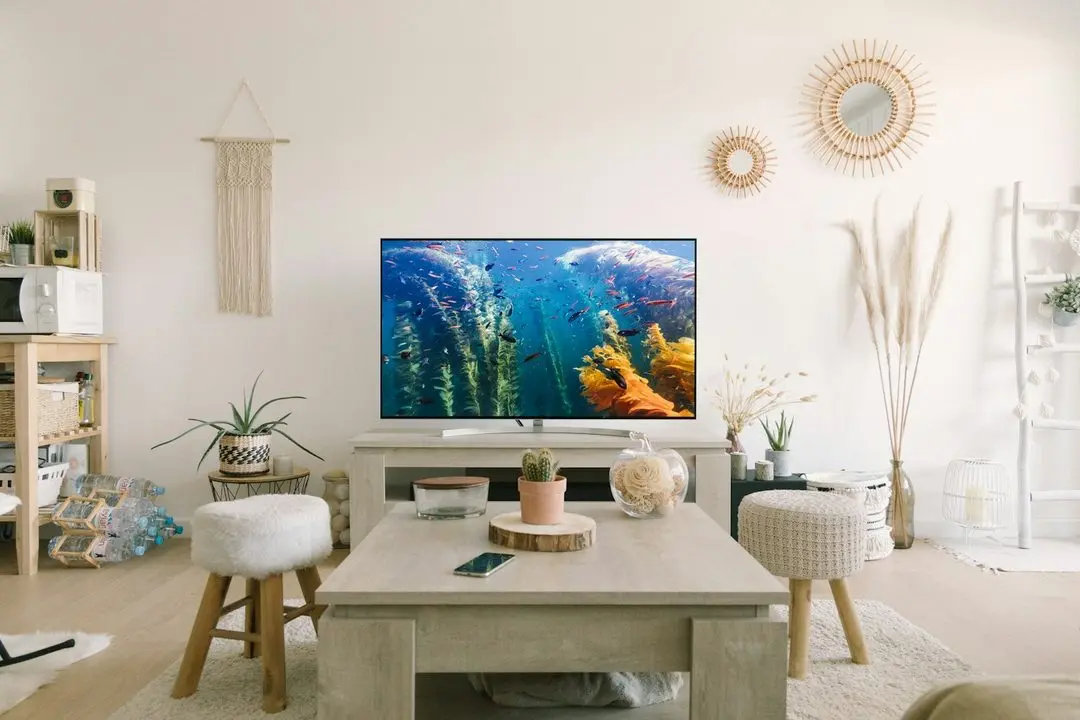
"4K" is printed on almost every IPTV offer, but getting a real Ultra HD picture on your screen depends on more than the subscription. This guide explains what 4K IPTV means at GreatestIPTV, which content streams in 4K, what your TV, streaming device and connection have to handle, and how to check it all before you pay. The short version: every GreatestIPTV plan includes HD and 4K where available, and the free 36-hour trial is the easiest way to see what your own setup can do.
What 4K IPTV actually means
4K, also called Ultra HD or UHD, is a picture of 3840 × 2160 pixels: four times as many as Full HD. On a large screen, or when you sit close, that shows up as finer detail in faces, grass and text.
For IPTV, three things all have to be 4K at the same time:
- The stream. The channel or on-demand title must be sent in 4K.
- The device. The box, stick, player app or Smart TV decoding it must support 4K.
- The screen. The TV must be a 4K panel.
If any one of the three is HD, you watch in HD. That's why a "4K IPTV service" can look exactly like an HD one on the wrong setup.
What GreatestIPTV streams in 4K
GreatestIPTV includes HD and 4K on every plan, with no 4K add-on and no premium tier. Every plan carries the full catalog of 19,000+ live channels and 80,000+ on-demand titles, but not every channel is broadcast in 4K. Our wording is deliberate: HD and 4K where available, meaning on supported channels and on-demand content. Most live channels stream in HD; 4K appears on the channels and titles that are produced and sent in Ultra HD.
So the honest promise is this: if a channel or title is available in 4K and your setup supports it, you get it in 4K at no extra cost. You don't pay more for 4K, and a cheaper plan doesn't strip it out.
Devices for 4K IPTV
Our FAQ names three common 4K-capable options:
- Fire TV Stick 4K Max (or another 4K Fire TV model)
- Apple TV 4K
- A 4K Smart TV, such as a Samsung, LG or Hisense VIDAA model with a compatible player app
Android TV boxes and Shield TV can also play 4K when the hardware supports it. Older HD-only sticks and boxes will still work with GreatestIPTV, just in HD.
The player app matters too. GreatestIPTV doesn't have its own app; you sign in to a third-party player such as IPTV Smarters Pro, TiviMate, XCIPTV or IBO Player on Fire TV and Android, Smarters Player Lite, UHF or IBO Player on Apple devices, or the apps your Smart TV's store offers. Keep the player updated, and check its settings for a video quality or decoder option if 4K looks soft. Our Firestick guide and the IPTV setup guide walk through installation device by device.
The connection: what 4K IPTV needs
Ultra HD carries far more data than HD, so the connection is usually the weak link.
We don't quote a single speed, because the right figure depends on the stream, the codec and how many people are using the line at once. For reference, Netflix recommends for its own 4K streams: "Ultra high definition (UHD) | 4K | 15 Mbps or higher".
Source: Netflix Help Center, "Netflix-recommended internet speeds"
Treat that as a floor for one 4K stream, not a guarantee for IPTV. What helps most:
- Use a wired connection. Our FAQ recommends Ethernet instead of Wi-Fi, especially for 4K. If your stick has no Ethernet port, an Ethernet adapter for it is worth considering.
- Keep Wi-Fi close and fast. If you must use Wi-Fi, keep the router near the TV and use the 5 GHz band.
- Watch what else is running. Downloads, game updates and other streams in the house all share the same line. Several 4K streams at once on a multi-device plan multiply the load.
- Restart when in doubt. Restarting the router and the device clears up more buffering than any setting.
Why codecs matter for IPTV 4K
Modern 4K video is usually compressed with HEVC (H.265) rather than the older H.264. The ITU, which standardised it, said at its launch that HEVC "will need only half the bit rate of its predecessor, ITU-T H.264 / MPEG-4 Part 10 'Advanced Video Coding' (AVC)".
Source: ITU, "New video codec to ease pressure on global networks (Geneva, 25 January 2013)"
In practice, that means your device needs hardware HEVC decoding to play 4K smoothly. Recent 4K sticks, boxes and Smart TVs have it; older devices may stutter or fall back to HD.
4K on more than one screen
GreatestIPTV plans cover one to five devices at once, and the same login works on each of them. That makes it easy to put a 4K stick on the living-room TV and an HD one in the bedroom on the same plan. Just remember that two 4K streams at the same time need roughly twice the bandwidth of one, so a household that watches several screens in Ultra HD every evening should test with all of them running, not one at a time.
How to test 4K IPTV before you subscribe
The surest way to know whether 4K works in your living room is to try it there. GreatestIPTV offers a free 36-hour trial with no card required, subject to availability and fair-use limits, with full access to the channels and the on-demand library. During the trial:
- Play a 4K title or channel on the TV you'll actually use.
- Check the player's stream info, if it shows one, to confirm the resolution.
- Test at the time you usually watch, when the home network is busiest.
- Try wired versus Wi-Fi if you can, to see the difference.
If the picture holds up, choose a plan. If it doesn't, our support team on WhatsApp, available 24/7, can help you work out whether the device, the app or the connection is the bottleneck.
Conclusion
4K IPTV is a chain: a 4K stream, a 4K-capable device and player, a 4K screen and a connection with room to spare. GreatestIPTV supplies the first link on every plan, in HD and 4K where available, at no extra cost. Check the rest of the chain with the 36-hour free trial, then pick your length and device count on the GreatestIPTV subscription page. Wondering about prices? Our IPTV cost guide lays out the full grid.
FAQ
Does GreatestIPTV offer 4K IPTV?
Yes. Every GreatestIPTV plan includes HD and 4K where available, on supported channels and on-demand content. There is no separate 4K plan or add-on.
Why isn't my IPTV playing in 4K?
One part of the chain is probably HD: the channel itself, the device, the player app or the TV. A slow or busy connection can also make the player drop to a lower quality. Check each in turn, and ask support on WhatsApp if you're stuck.
Which device is best for a 4K IPTV service?
Any device that supports 4K and HEVC decoding: a Fire TV Stick 4K Max, an Apple TV 4K, a 4K Android TV box or a 4K Smart TV with a compatible player app.
Is Wi-Fi good enough for IPTV 4K?
Sometimes, but a wired connection is steadier. Our FAQ recommends Ethernet instead of Wi-Fi, especially for 4K content.
Does 4K cost more?
No. GreatestIPTV prices depend only on the length and the number of devices; 4K where available is included on every plan.
Want to try GreatestIPTV?
Request the free 36-hour trial on WhatsApp (no card required), or pick a plan: 1, 3, 6, 12 or 24 months for 1 to 5 devices, from $13.99.
Related articles

GreatestIPTV: How to Choose the Best IPTV Service
What makes the best IPTV service for you? A practical checklist — trial, prices, devices, refunds, support — and how GreatestIPTV answers each point.
Read the article
GreatestIPTV IPTV Provider: What You Pay For
What does an IPTV provider do, and what does the player app do? GreatestIPTV explains the difference and what to ask any IPTV provider in the USA.
Read the article
GreatestIPTV Guide: What Is IPTV and How Does It Work?
What is IPTV and how does it work? GreatestIPTV explains what IPTV stands for, what an IPTV service and player are, and how to start watching.
Read the article